
Train & Test Your Chatlyst Bot
May 27, 2026
By Sam Harper
Going live with a customer-facing bot is less about flipping a switch and more about building confidence through testing. Even after you have uploaded strong Business Knowledge, gaps can still show up in real customer questions—such as missing details, off-brand phrasing, or edge cases where the bot answers too broadly.
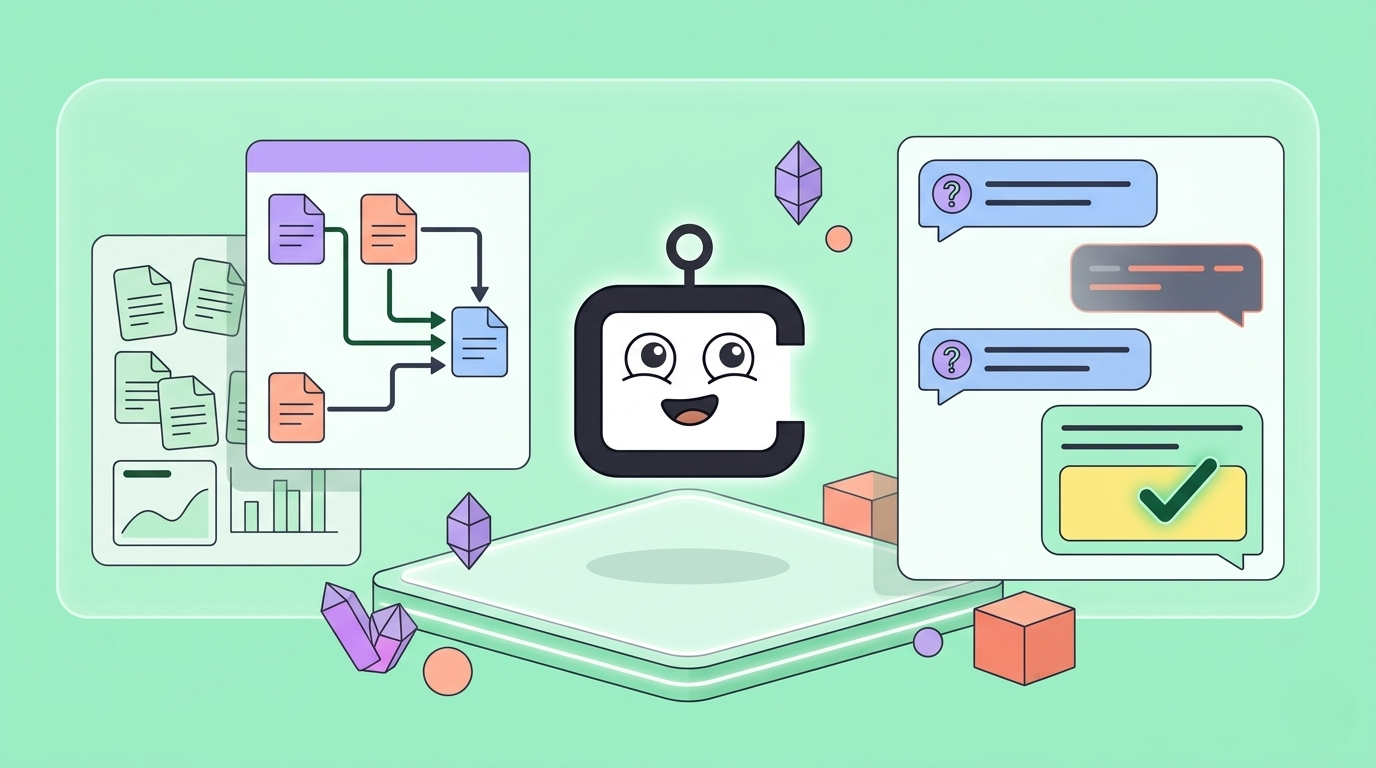
Chatlyst’s Train & Test feature gives admins a safe environment to simulate realistic conversations, see exactly what the bot will say, and pressure-test tricky scenarios before connecting live channels.
How Train & Test Uses Business Knowledge
Train & Test relies entirely on the Business Knowledge you have uploaded. Before you begin testing, set up your account and upload your core documents so the bot has the right source material to draw from, as Chatlyst highly recommends.
Because the bot's test answers are generated directly from your uploaded files, the quality of your testing depends on how clear and complete those documents are. The goal is to confirm not just that the bot "works," but that it is accurately using the exact information you intended.
Keeping Testing Separate from Production
A key operational benefit of Train & Test is that test conversations do not appear in your live Chat section.
This clean separation lets admins run repeated experiments, restart conversations, and explore "what-if" scenarios without polluting the main thread list. You can validate your bot's readiness before launch without adding noise to your team's day-to-day operations or confusing agents managing real customer messages.
Capturing Corrections When an Answer is Wrong
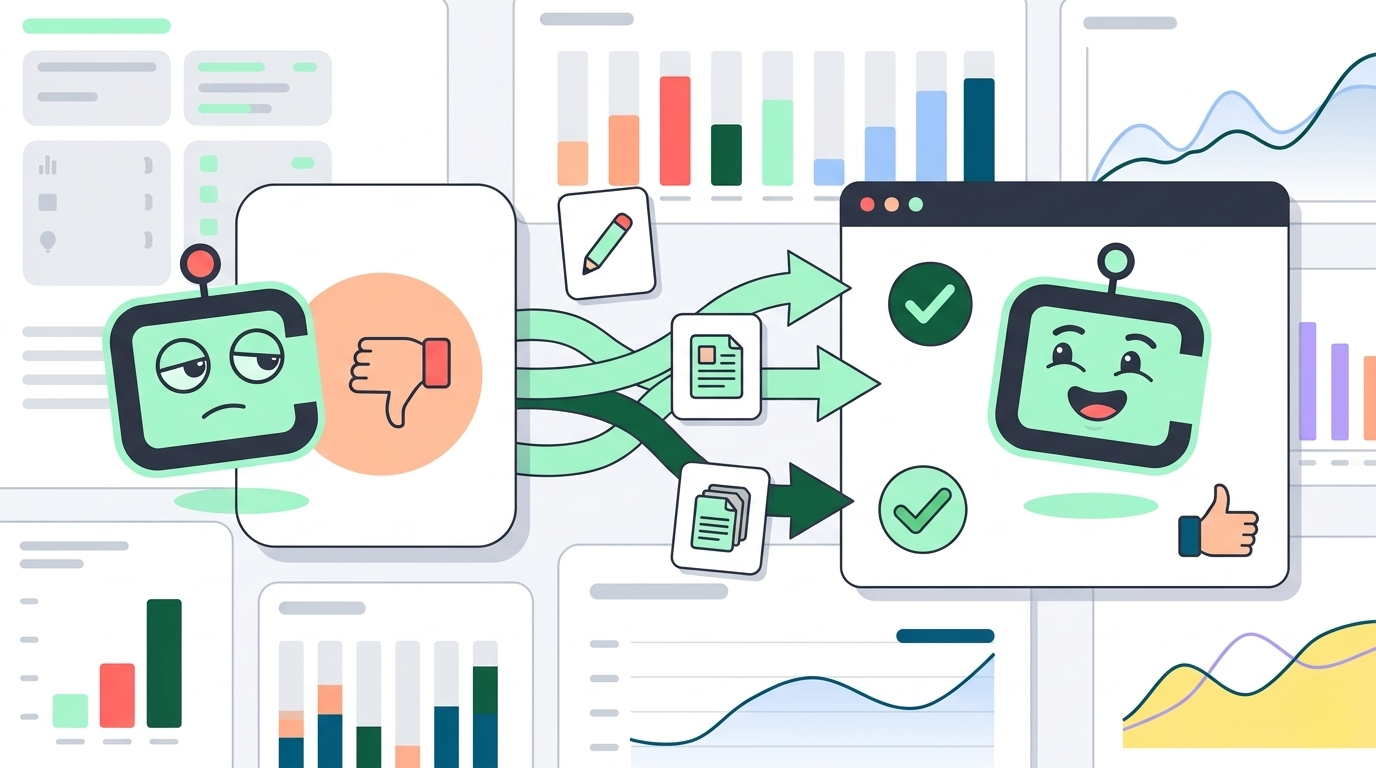
When the bot produces an unacceptable answer, Chatlyst’s workflow turns testing into controlled improvement using feedback and training tickets. Rather than rewriting your entire knowledge base from scratch, you can easily correct the bot's behavior:
- Rate the response: Click the thumbs-down icon on an incorrect or off-brand reply.
- Provide clear feedback: A prompt will appear allowing you to document exactly what went wrong and provide the correct response.
- Select the source: Choose the specific Business Knowledge documents that should be updated with this new rule.
- Submit for processing: Submit the training ticket so the correction is processed and linked to the right source material.
Conclusion
Before you connect live channels, it is highly recommended to run a short, disciplined Train & Test cycle. The goal is to build confidence, not to chase perfection. Use this time to confirm that common questions map cleanly to your knowledge base, that responses match your desired tone, and that unpredictable edge cases do not push the bot into unsafe or invented territory.
Ready to Get Started?
At Chatlyst, we're committed to helping you maintain your brand's unique voice—no robotic replies here.