
Saving 20 Hours a Week: A Real-World Guide to Boosting Support Productivity with a Unified Omnichannel Inbox
Apr 10, 2026
By Sam Harper
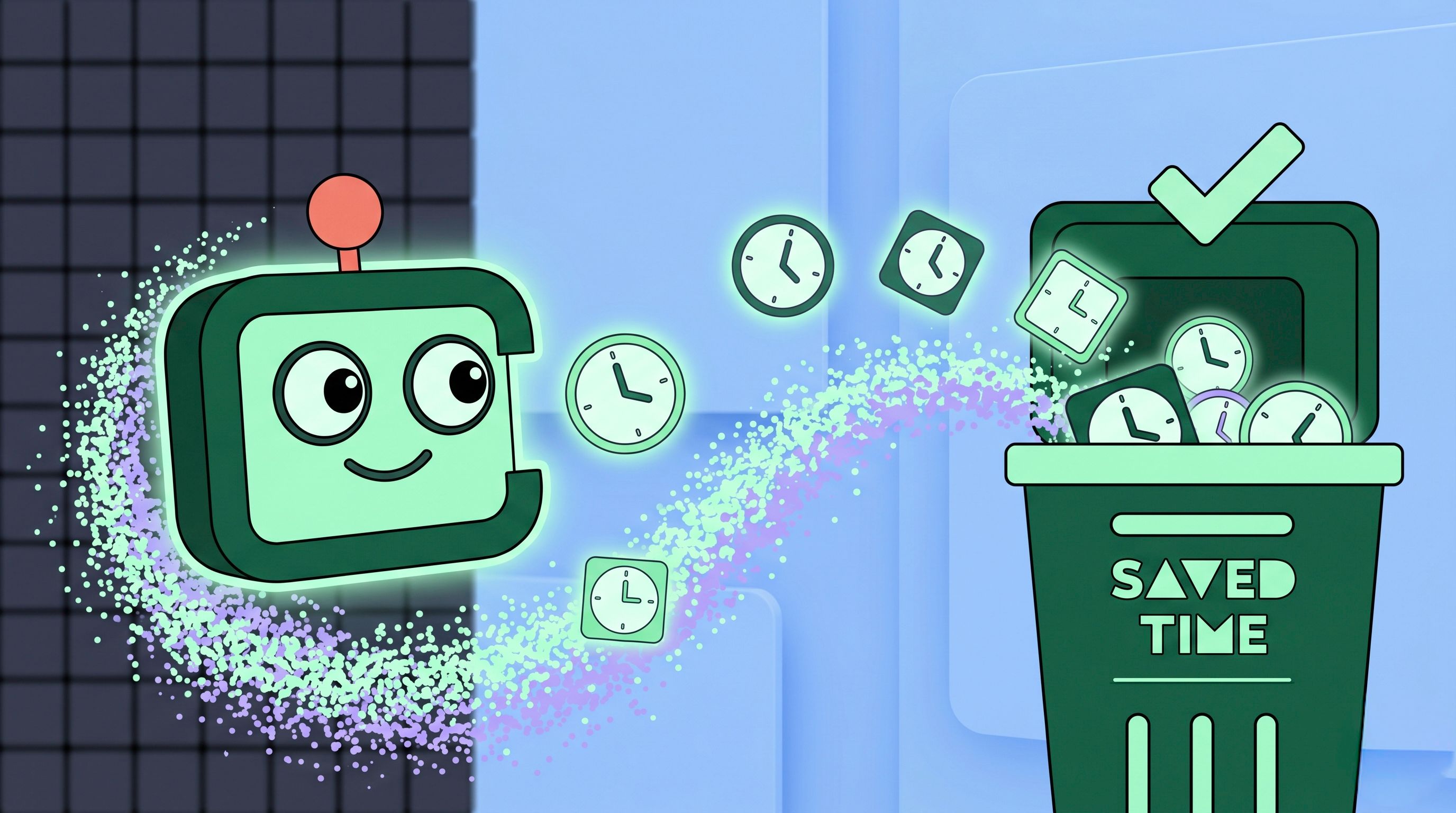
A unified omnichannel inbox saves support hours by ending tab-switching between separate WhatsApp, Messenger, email, and web-chat tools, since every channel routes into one dashboard with shared conversation history. One case study reports agents recovering over 20 hours weekly this way, largely by cutting the daily context-switches between tools.
Imagine your top agent gaining an extra half-day every week—what could they accomplish? In this post, we pull back the curtain on how an e-commerce leader dialed in Chatlyst’s omnichannel inbox, streamlined workflows, and shaved over 20 hours off each rep’s schedule. From measuring tab-switching overhead to fine-tuning auto-close rules and leveraging continuous learning, you’ll see exactly how to replicate the success. Read on for a real-world blueprint to boost productivity, morale, and customer satisfaction in your support organization.
1. Introduction & ROI Case Study Overview
An international online retailer was drowning in customer enquiries spread across WhatsApp, Messenger, and web chat. Each support rep toggled between four or more tabs—losing context, missing messages, and burning up valuable hours. After adopting Chatlyst's unified inbox, the team saw dramatic improvements: reps saved over 20 hours weekly, CSAT soared by 50%, and 95% of routine tickets auto-resolved without human intervention. This guide walks you through the exact steps they took to achieve these results.
2. Step 1: Measure Baseline Tab-Switching Costs
Before you can improve, you need data. Start by quantifying how much time agents spend context-switching:
- Use time-tracking tools (e.g., RescueTime or Toggl) to log app and tab usage. Identify the top three channels that cause the most switching.
- Survey your team: Ask reps to estimate average delays when jumping between tools and record anecdotal feedback.
- Calculate lost time: Multiply the average switch delay (e.g., 15 seconds) by the number of daily switches to quantify weekly hours lost.
For our e-commerce client, this exercise uncovered 25 daily switches per agent, each costing 20 seconds—translating into nearly 3 hours of wasted time per rep per day, or 15 hours weekly. When combined with repetitive tasks, the total overhead topped 20 hours.
3. Step 2: Deploy Chatlyst’s Unified Omnichannel Inbox
With a clear baseline, it’s time to implement the solution. Follow this installation checklist:
- Install the Chatlyst widget: Copy and paste the single snippet onto your site and enable the unified inbox view.
- Connect social and messaging channels: Link WhatsApp, Facebook Messenger, Instagram, and any custom web chat in one click—no coding required.
- Sync e-commerce data: Integrate your inventory and order management system to surface order details directly in chat.
- Upload your knowledge base: Use Chatlyst’s Knowledge Consolidation Bot to ingest FAQs, SOPs, and policy documents. This powers AI auto-replies in your brand voice.
- Go live & test: Route a small percentage of live traffic through Chatlyst’s AI auto-reply before rolling out company-wide.
Deployment took our client less than two hours, and they were able to test AI responses immediately, adjusting tone and fallback triggers before full launch.
4. Step 3: Train Agents & Enforce New Workflows
Even the best tools need proper adoption. Empower your agents with:
- Hands-on workshops: Run 60-minute sessions demonstrating the unified inbox interface, click-through routing rules, and manual takeover flows.
- Agent playbooks: Create short guides on when to let the AI agent handle requests, and when to step in (e.g., high-value conversations, escalations).
- Feedback loops: Encourage reps to flag mis-classified auto-replies. Use their feedback to update your knowledge base and improve AI accuracy.
- Success stories: Share early wins—like reduced handle time on a complex refund case—to build enthusiasm.
Within the first week, agents reported a 40% reduction in cognitive load. By week two, they were hitting auto-resolve rates above 90% on routine queries.
5. Step 4: Optimize Automation & Escalation
Automation is only as good as its rules. Refine your setup by:
- Tweaking auto-reply triggers: Review chat transcripts and identify common keywords. Update your AI’s trigger list to ensure correct auto-responses.
- Customizing business hours: Configure off-hour messages and schedule auto-close rules for resolved conversations to avoid ticket pile-ups.
- Defining escalation criteria: Set clear thresholds (e.g., CSAT score below 3, multiple unanswered customer messages) that automatically escalate conversations to senior agents.
- Implementing proactive notifications: Use Chatlyst’s real-time monitoring to alert supervisors when response times exceed targets.
As a result, our client reduced average response time to under 30 seconds and increased first-contact resolution by 20%.
6. Step 5: Track Impact & Iterate
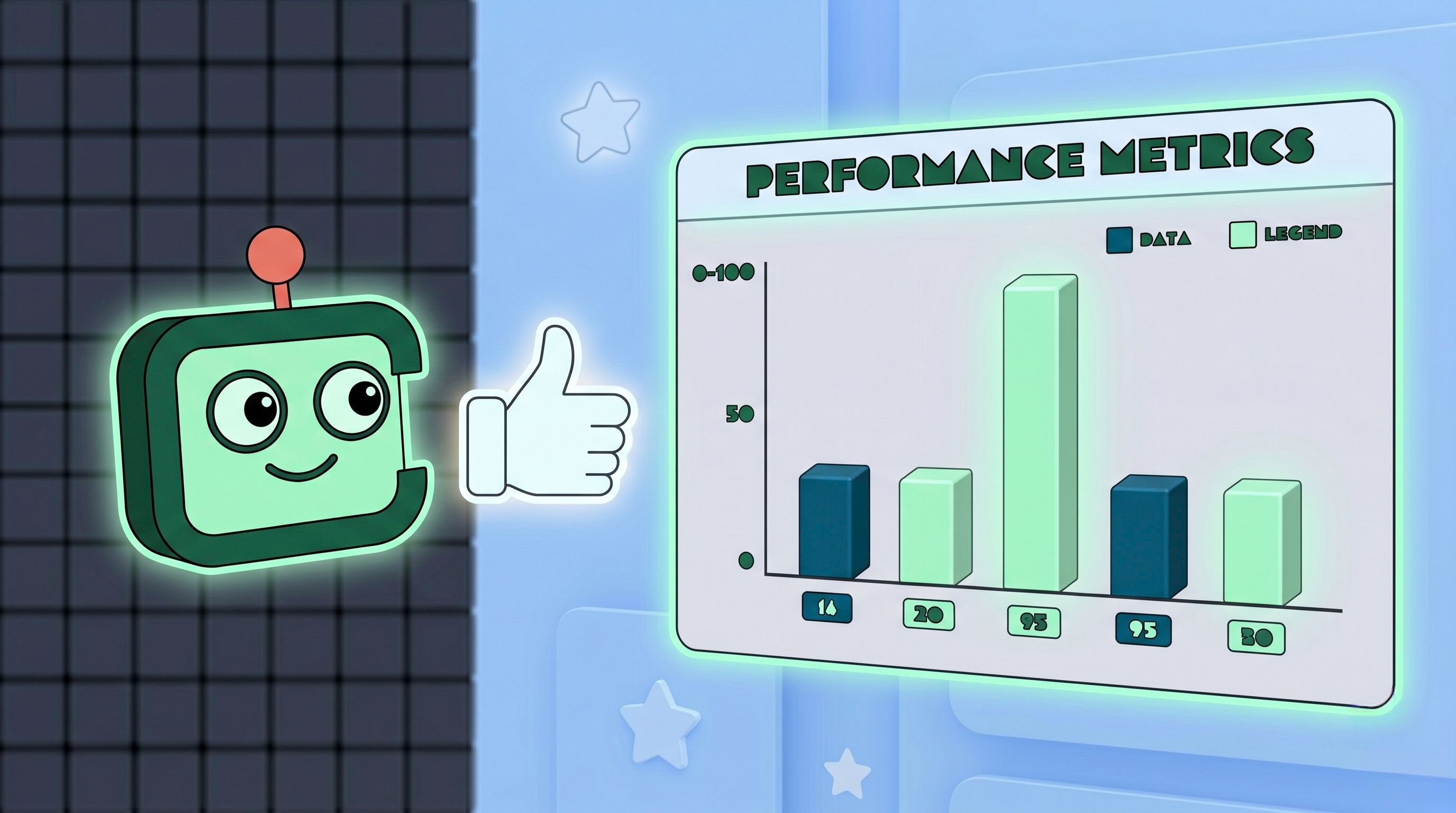
Continuous improvement keeps your gains sustainable. Use Chatlyst’s reporting dashboard to monitor:
- Hours saved: Compare active vs. idle time metrics weekly.
- CSAT trends: Track survey scores before and after chat interactions.
- Auto-resolve rate: Ensure AI handles at least 90% of routine tickets.
- Response time: Aim for sub-30-second medians on all channels.
Hold a 30-minute review every Friday to adjust triggers, update knowledge base articles, and share best practices across your team.
7. Conclusion & Your Productivity Playbook
Recapturing 20 hours per week per rep isn’t magic—it’s a methodical blend of measurement, tool deployment, training, and continuous improvement.