
July 2026 Chatlyst Updates: Test Your Chatbot Without Typing a Word
Jul 23, 2026
By Edith Clementine
See what's new in Chatlyst and what we're gradually rolling out this month. ✨
Building a smart chatbot is only half the battle. The other half is ensuring it behaves perfectly in the wild. Historically, testing a bot meant spending hours manually typing out dozens of messages, trying to think like a frustrated customer, and hoping you caught every edge case.
Not anymore.
Today, we are thrilled to introduce Auto Test, a fully automated dialogue simulation tool designed to help you evaluate, train, and perfect your Chatlyst bot before it ever interacts with a real customer.
What is Auto Test?
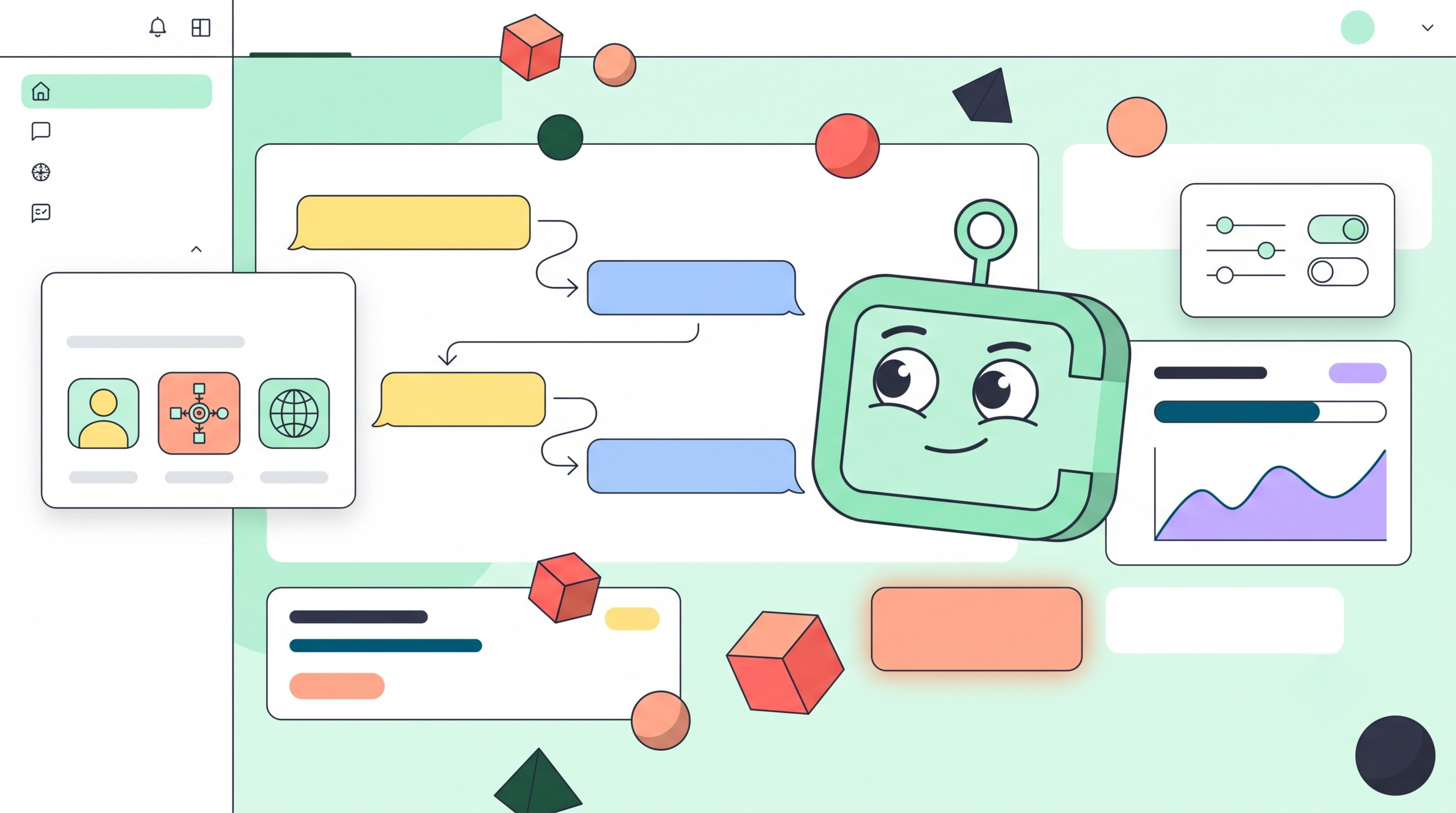
Auto Test runs a complete, back-and-forth conversation between your chatbot and an AI-simulated user. Instead of manually clicking and chatting, you simply set the parameters, and the system handles the entire exchange.
It is the fastest way to confirm that your bot has the right business knowledge, stays on-brand with its tone of voice, and complies with company policies—even when faced with unusual or complex requests.
How it Works: Real-World Scenarios, Zero Manual Effort
Auto Test is designed to mimic real human behavior based on the exact testing conditions you need. To launch a simulation, you simply configure three main elements:
- The Persona: Define exactly who the simulated user is and how they act.
- The Scenario: Give the user a goal. Scenarios act like script prompts—ranging from common e-commerce returns to complex SaaS troubleshooting—so you can test how your bot handles industry-specific inquiries.
- The Language: Auto Test supports multiple languages, including English and Traditional Chinese, allowing you to seamlessly test localized bots.
Once you define the maximum number of messages for the conversation, you just click start. The system automatically generates the entire dialogue. No manual typing or replying is required on your end.
Turn Insights into Instant Training
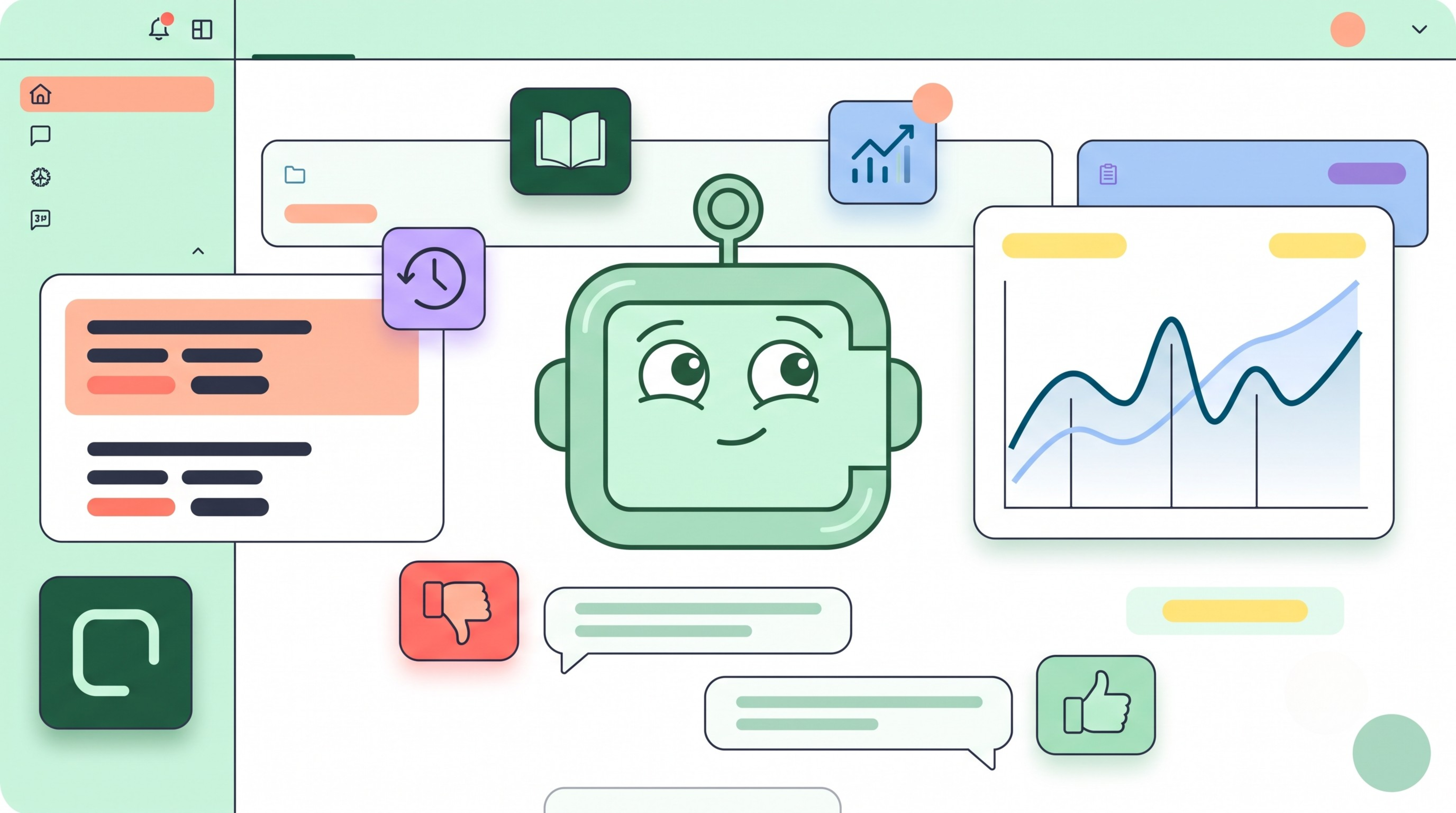
Testing is only valuable if it leads to improvement. After an Auto Test simulation finishes, you can jump straight into the Review to read the full message-by-message transcript.
As you evaluate how accurately the bot managed context and handled edge cases, you can actively train it. Simply rate each bot response with a Thumbs Up or Thumbs Down. If a response misses the mark, logging a negative rating helps continuously train the system on what is helpful, closing knowledge gaps before your bot goes into production.
Track Your Bot’s Evolution
Want to see how far your bot has come? All Auto Test runs are automatically saved in your History. You can review past simulations at any time and compare older runs with newer ones to measure exactly how your ongoing training is improving the bot’s accuracy.
Ready to put your bot to the test?
Before you run your first simulation, make sure your bot is loaded with enough Business Knowledge to make the test count. We recommend starting with a shorter simulation (fewer max messages) to quickly spot obvious issues, then scaling up for deeper conversational testing once your bot is stable.
Ready to Get Started?
At Chatlyst, we're committed to helping you maintain your brand's unique voice—no robotic replies here.