
Connect Your Channel and Launch Your First Widget
May 28, 2026
By Sam Harper
In Chatlyst, it is helpful to understand the difference between an inbound channel and a widget. An inbound channel is the destination where conversations happen (such as your website), while a widget is the actual chat interface your visitors see and interact with.
Think of the channel as the location, and the widget as the tailored presentation and behavior. This structure allows you to easily customize how the chat experience looks and feels for different parts of your site—or different audiences—without changing where the conversations actually take place.
Why Most Teams Start with Website Embed
The Website Embed channel is the most straightforward way to go live. It allows you to add chat to your site without running a complex rollout or redesigning your existing support flow. It is also a highly practical starting point because Chatlyst automatically creates a default chat widget when you register and create your workspace, giving you a ready-made baseline to test quickly and refine over time.
Choose the Default Widget or Create a New One
When you navigate to Website Embed, you will see all the widgets tied to that channel, including your auto-generated default widget.
You have two simple options:
- Use the default widget: Customize this pre-built option for the fastest possible launch.
- Create a new widget: Build a fresh one if you prefer a strict separation between your "default" testing setup and your live "production" widget.
Validate the Widget Before Launching
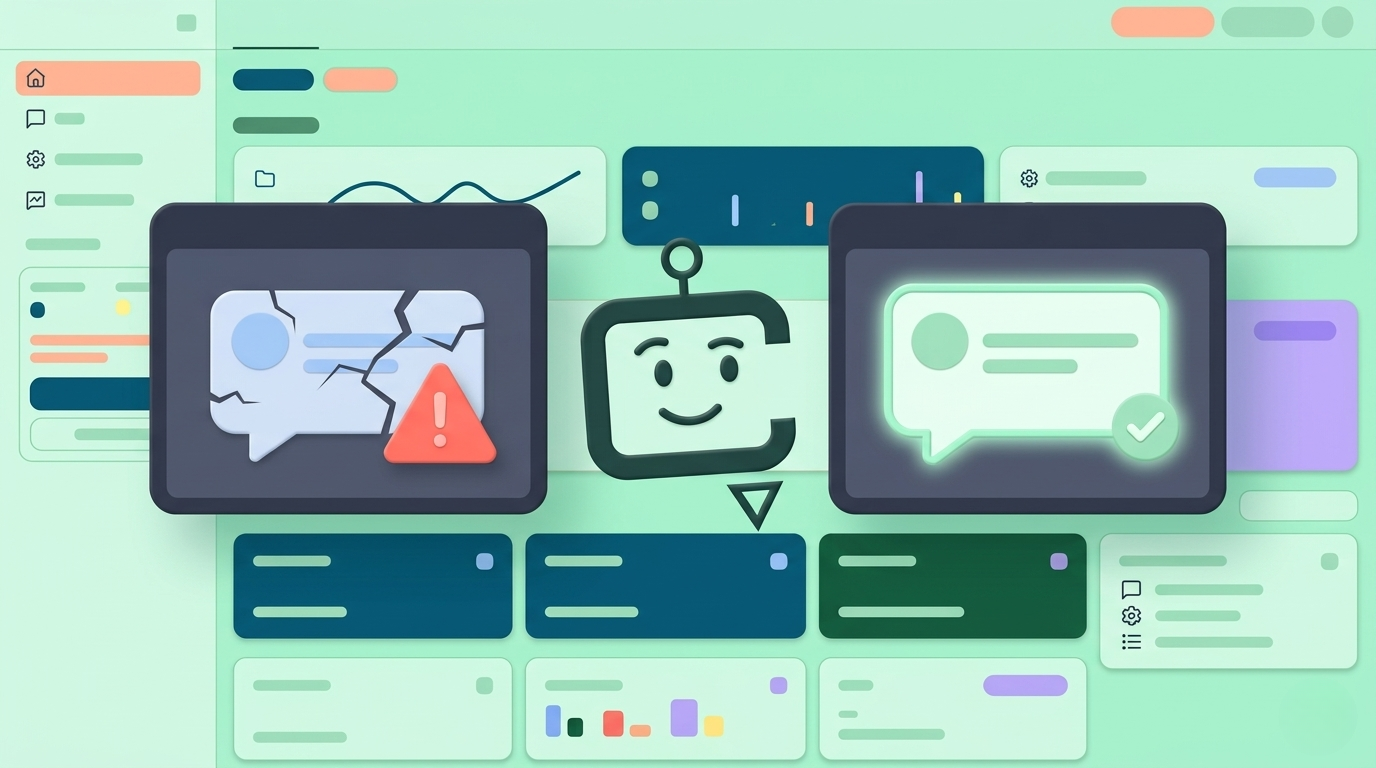
Before pushing anything live, always use the preview feature to check how the widget looks and behaves when embedded. We highly recommend running a short test conversation to confirm that:
- The widget loads properly on the page.
- The conversation flow feels stable and natural.
- The chat session behaves exactly as expected.
- Your configuration choices create a seamless, surprise-free experience for visitors.
Conclusion: Launch Simply, Then Iterate
Going live with Chatlyst does not need to be complicated. Website Embed is a strong default choice because it is built for quick deployment, provides a ready-made starting point, and supports easy validation through previews and status checks.
Once you have confirmed the experience works and the embed code is in place, launch confidently. Starting simple is the fastest way to gather real customer data, learn what your audience actually needs, and continuously improve your widget based on real conversations.
Ready to Get Started?
At Chatlyst, we're committed to helping you maintain your brand's unique voice—no robotic replies here.